XENO EXECUTOR Free · 100% Keyless · Roblox Script Executor for Windows
A lightweight Win32 injection engine that runs custom Lua straight into Roblox — no key system, no subscriptions, no daily unlocks. Level 7 UNC with multi-instance and multi-script support.
Why Choose
Xeno Executor?
Most free executors bury you under link-shorteners, daily keys and ad walls. Xeno throws all of that out. It is genuinely free, genuinely keyless, and built as a lightweight native injector that runs smoothly even on mid-range hardware.
01 Zero Key System
No Linkvertise, no checkpoints, no waiting. Extract, launch, execute — the way an executor should work.
02 Fast Patch Turnaround
When Roblox pushes an update, Xeno is typically re-patched fast — v1.3.60 shipped directly in response to the latest client change.
03 Lightweight Runtime
Optimized for mid-range PCs. The dual-phase injector stays reliable even on crowded, high-population servers.
Interface
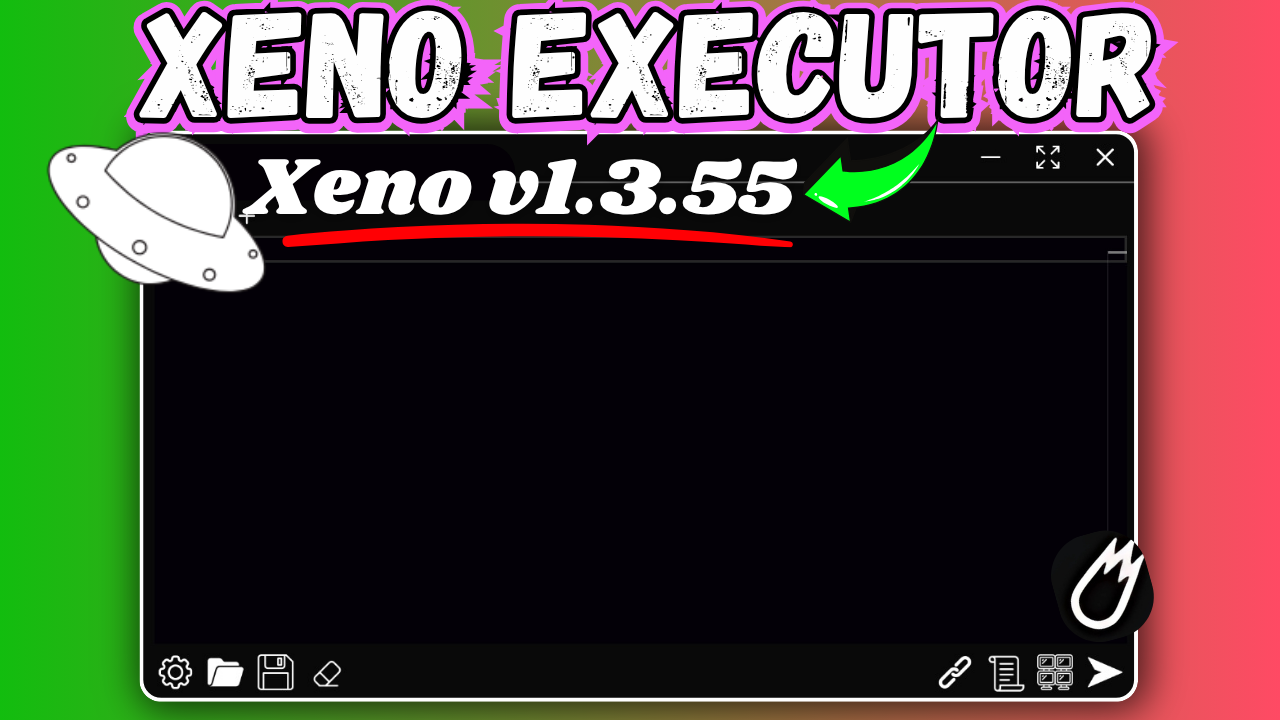
Xeno keeps a clean, dark-mode workspace — a tabbed script editor on one side, an attach/execute bar on the other. Nothing you don't need.
Tabbed Script Editor
Syntax highlighting and multiple tabs so you can keep several scripts staged and switch between them instantly.
One-Click Attach
A single Attach button detects the running Roblox process and maps the Lua engine — no manual configuration.
Multi-Instance Ready
Automatically detects and attaches to each open Roblox client independently, so you can run scripts across several instances at once.
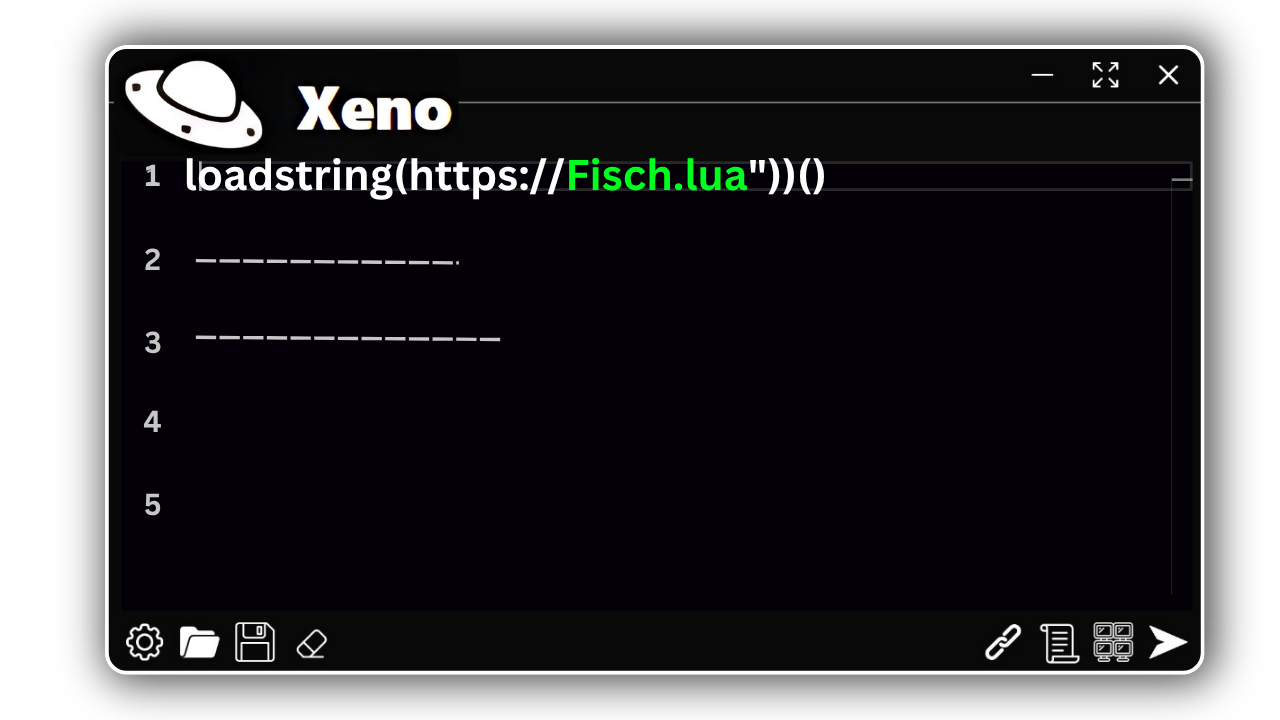
UI — Dark Mode / Script Editor View
Main Features
Everything that makes Xeno one of the most-recommended free executors of 2026 — raw injection speed, wide script compatibility, and a workflow with zero friction.
100% Keyless
No key system at all. No Linkvertise, no daily renewals, no premium paywall. Download, extract and execute — that's the whole flow.
Dual-Phase Injector
A native Win32 injector with a multi-threaded, two-stage attach process. Fast, reliable injection even on crowded, high-population servers.
Level 7 UNC
Scores roughly 84% on UNC and around 40% on sUNC, so the vast majority of popular Lua libraries run without missing functions.
Multi-Instance
Auto-detects every open Roblox client and attaches to each independently — run different scripts across multiple instances in parallel.
Multi-Script Execution
Run several scripts at once without conflicts or crashes — a feature many free executors simply don't offer.
WebSocket Support
Built-in WebSocket implementation enables real-time script communication for hubs and tools that need a live data channel.
Supported Scripts
At Level 7 UNC, Xeno runs the large majority of popular Roblox scripts — from heavy Blox Fruits auto-farms to Blade Ball auto-parry and combat aim hubs.
Blox Fruits
- Auto-Farm Mastery
- Raid Carry Mode
- Fruit Sniper / ESP
Blade Ball
- Auto-Parry
- Spam Block
- Ability Predict
Da Hood
- Silent Aim
- Auto-Buy / Cash
- Fly & Speed
Pet Sim 99
- Gem Auto-Farm
- Instant Hatch
- Auto-Collect
DOORS
- Entity ESP
- Fullbright Mode
- Auto-Loot / Key
1000+
Compatible Scripts
Browse Script HubInstallation Guide
// EXECUTE_SETUP_SEQUENCE
Five steps to run Xeno Executor on your Windows PC.
Before running Xeno, install Microsoft Visual C++ Redistributable and .NET Desktop Runtime 8.0. Windows Defender may flag the injector as a false positive — add the Xeno folder to your exclusions before extracting.
Download the ZIP
Grab the latest Xeno-v1.3.60.zip from the official download button below. // Only use official links to avoid re-uploaded, tampered builds.
Add an Exclusion & Extract
Add the target folder to Windows Security exclusions (Virus & threat protection → Manage settings → Exclusions), then extract the ZIP with WinRAR or 7-Zip.
Run xeno.exe
Launch xeno.exe. On first run it installs its libraries and calibrates to your current Roblox version.
Open Roblox & Attach
Launch your Roblox game, then click Attach in Xeno. It locates the process and injects automatically — no key, no checkpoint.
Paste & Execute
Paste your Lua script into the editor and hit Execute. The script's GUI loads in-game within a few seconds.
Android
STATUS: IN DEVELOPMENT
Not Yet AvailableiOS
STATUS: PLANNED
Not Yet AvailableXeno is currently a Windows-only executor. Mobile builds are unconfirmed — beware fake "Xeno APK/iOS" re-uploads.
Changelog
// VERSION_HISTORY // TARGET: CORE
Live feed of patches, injector improvements and compatibility fixes.
Xeno vs Other Executors
How Xeno compares to key-locked free executors and paid private cheats.
| Feature / Metric | Xeno ExecutorOFFICIAL BUILD | Key-Locked Free Exec | Paid Cheats ($20+) |
|---|---|---|---|
| Key System | None (Keyless) | Linkvertise / Daily Key | Subscription Login |
| Cost | $0.00 | $0.00 (+ ad walls) | $15 – $25 / mo |
| UNC Support | Level 7 (~84%) | Varies (60–80%) | 95–100% |
| Multi-Instance | Yes | Rarely | Sometimes |
| Platform | Windows 10/11 | Android / PC | PC Only |
Troubleshooting
// DIAGNOSTIC_MODE_ACTIVE
Most Xeno issues come from missing runtimes or antivirus interference. Here are the common ones.
EXE_DELETED / WONT_OPEN
xeno.exe disappears or won't launch — Windows Defender quarantined it as a false positive.
- 1. Open Windows Security → Virus & threat protection.
- 2. Add the Xeno folder to Exclusions.
- 3. Restore the file from quarantine and re-extract.
MISSING_DLL / .NET_ERROR
Xeno throws a missing-DLL or runtime error on startup — required frameworks aren't installed.
- 1. Install the .NET Desktop Runtime 8.0.
- 2. Install the latest Visual C++ Redistributable (x64).
- 3. Reboot and relaunch xeno.exe.
ATTACH_FAILED / CRASH
Attach fails or Roblox crashes on inject — usually a same-day Roblox update.
- 1. Check if Roblox updated today.
- 2. Wait for the next Xeno patch (it ships fast).
- 3. Run xeno.exe as Administrator.
SCRIPT_ERRORS / NO_GUI
A script errors out or its GUI never appears — likely it needs functions above Xeno's sUNC coverage.
- 1. Confirm the script supports Level 7 executors.
- 2. Execute only after fully loading into the game.
- 3. Try a different, actively-maintained script.
FAQ
// ACCESS_LEVEL: PUBLIC
Common questions about Xeno's key system, safety and script compatibility.
> IF_ERROR: CHECK_RUNTIMES
> STATUS: OPERATIONAL